Product update · Version 9.3.2.0
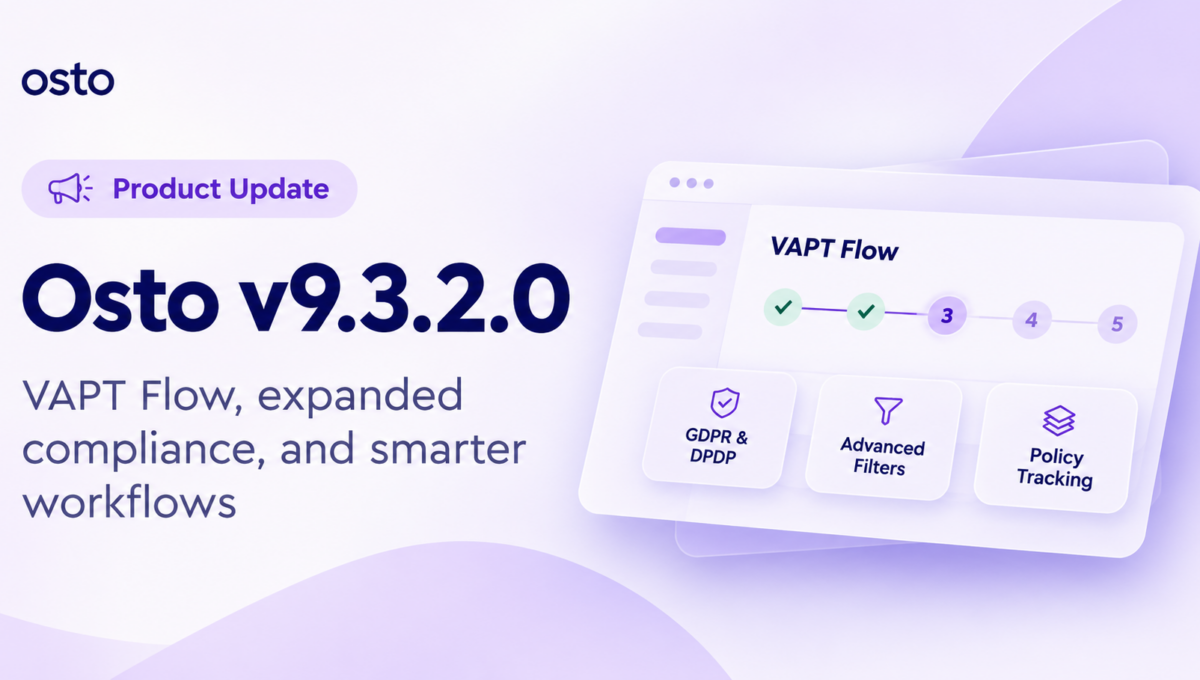
VAPT Flow in Osto v9.3.2.0: Smarter Security & Compliance
Introducing the new VAPT Flow, GDPR and DPDP support in Compliance Automation, and thoughtful improvements that help your team work faster.
Security shouldn’t mean juggling tools, chasing updates, or rebuilding the same report twice. In v9.3.2.0, we’ve brought more of your day-to-day security and compliance work together, so your team can spend less time coordinating and more time making progress.
Penetration testing, from request to certificate
The new VAPT Flow brings your penetration testing engagement directly into the Osto dashboard.
- Request a VAPT engagement without leaving Osto.
- Follow progress through each stage, all the way to certification.
- Review findings, manage remediation, and request re-tests.
- Download reports and your certificate in one place.
For engineering and security teams, the biggest advantage is having a shared view of the engagement. You can see what has been requested, which findings need attention, and when a re-test is appropriate. That reduces the need to reconstruct progress from separate messages, especially when developers, security owners, and external testers are involved.
For more background on structured application testing, see the OWASP Web Security Testing Guide. It provides independent guidance on web application security testing; it is not a claim that this release implements every OWASP test.
Why it matters: Less back-and-forth, greater visibility, and a clearer path from identifying vulnerabilities to verifying fixes.

More compliance coverage, without another tool
Osto Compliance Automation now supports GDPR and DPDP, alongside SOC 2, ISO 27001, and HIPAA.
Whether you’re expanding into new markets or responding to privacy and compliance requirements, you can manage more of that work within the platform you already use.
With GDPR and DPDP available in Compliance Automation, teams can bring more privacy-related work alongside existing security and compliance activities. That is especially useful when customer questionnaires, internal policies, and evidence requests overlap across regions. Framework support helps teams organize their work, but does not itself guarantee legal compliance. For authoritative requirements, refer to the European Commission’s GDPR guidance and India’s Digital Personal Data Protection Act.
Why it matters: Keep your compliance efforts more connected as your business and obligations grow.
Find the right data, faster
Advanced table filters now work across your full data set. Logs also have a new date and time filter for more precise investigations.
Your selected filters stay in place while you work, so you don’t have to set them up again and again.
For example, when reviewing a particular incident window, a precise timestamp filter helps narrow the logs you need to inspect. Persisted filters also make it easier to compare records without resetting the view after every action. The same improvement can help with everyday reporting when a dashboard table contains more entries than are visible on a single page.
Why it matters: Spend less time navigating tables and more time finding the information you need.
| Time | Event | Status |
|---|---|---|
| 10:42 | Security event | Reviewed |
| 10:16 | Policy activity | Recorded |
| 09:58 | Dashboard activity | Recorded |
The smaller changes that make a difference
We’ve also refined two workflows that matter in day-to-day operations.
These enhancements are designed for the routine work that keeps security programs moving: confirming that employees have acknowledged current policies and getting support issues in front of the correct people. Neither improvement is flashy on its own, but both help teams spend less time on administrative follow-up.
Know who has accepted each policy
Policy acceptance is now tracked per policy. Employees are prompted to accept newly published policies, while admins can see who has acknowledged each one. That means clearer accountability and less manual follow-up.
Get your support request to the right team
A new category picker helps route each support ticket to the appropriate team with the right priority. That means your request starts with the context needed to move it forward.
One platform. More ways to move your security forward.
With VAPT Flow, penetration testing becomes part of Osto, not another separate process to manage. And with every release, we’re continuing to make security, compliance, and daily operations easier to handle from one place.
Explore Osto →